

Build Your Dream City in Lucky Mayor
Overview
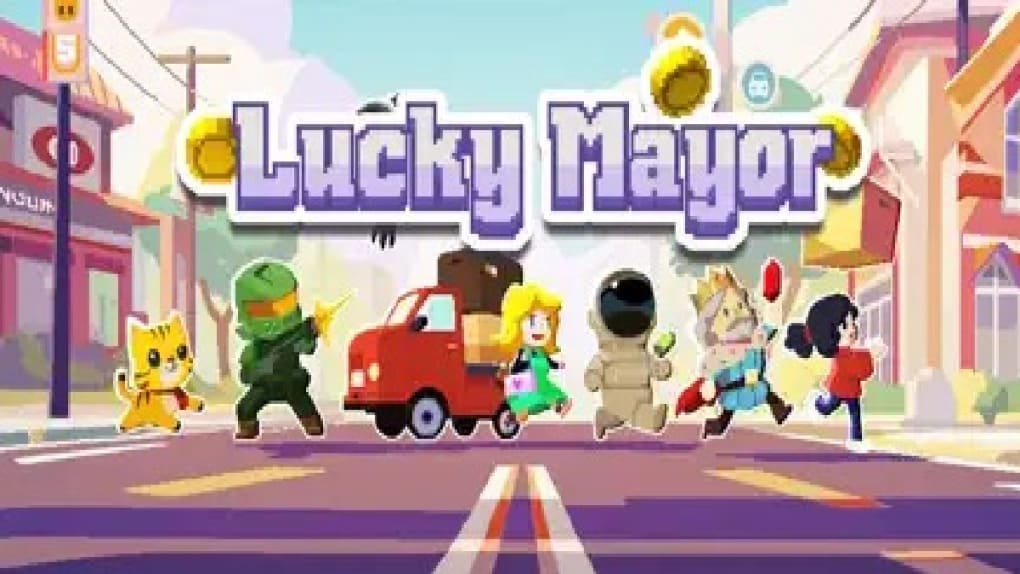
Lucky Mayor is a free simulation game that invites players to step into the shoes of a city mayor, tasked with building and managing a thriving metropolis. The game focuses on urban development through strategic planning, citizen recruitment, business promotion, and infrastructure expansion. Players must balance resource gathering, population growth, and city services to transform their city into a well-organized, admired supercity.
Designed for casual gamers and simulation enthusiasts, Lucky Mayor offers a relaxed yet engaging experience centered on city-building mechanics. The developer, Lucky Games, has positioned the game as a light-hearted management tool where decision-making and planning take precedence over complex systems. Real-world usage scenarios include short gaming sessions during breaks, stress relief, or casual entertainment for players who enjoy creative city planning.
The game’s core purpose is to simulate the challenges and rewards of urban leadership in a simplified format. While the gameplay emphasizes tapping mechanics for resource collection, it maintains a steady rhythm that supports long-term engagement. The developer did not provide additional details about the game’s development philosophy or target demographics beyond casual audiences.
Key Features & Capabilities
- City Building and Management – Players construct and upgrade buildings such as residential zones, commercial hubs, and industrial facilities to support population growth and economic development.
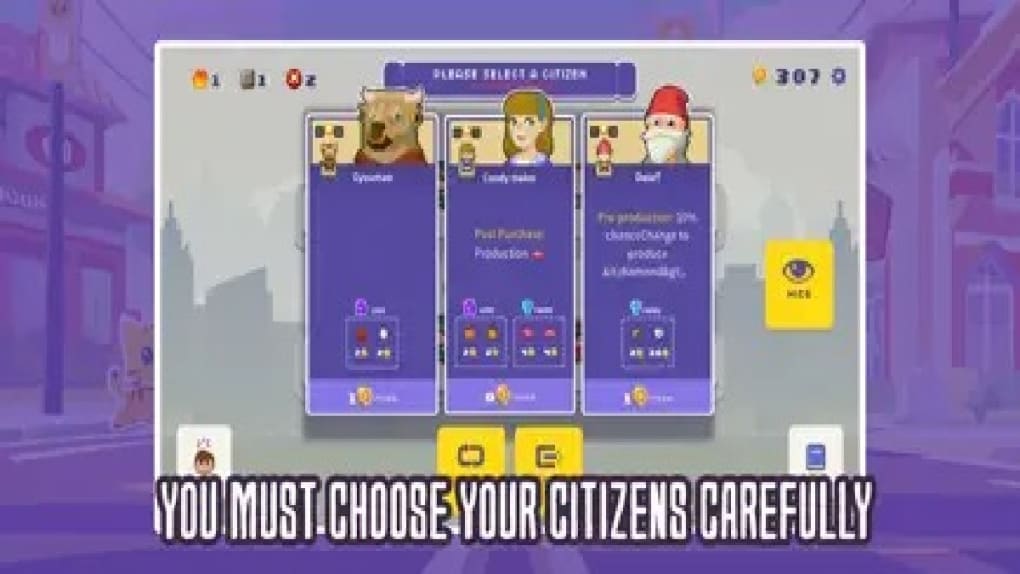
- Citizen Recruitment and Satisfaction – Attract and retain citizens by providing essential services, housing, and employment opportunities, which helps increase city revenue and stability.
- Resource Gathering via Tap Mechanics – Collect resources and income by tapping buildings, a core gameplay loop designed to maintain accessibility and ease of use.
- Infrastructure Development – Expand roads, utilities, and public services to support growing city demands and improve overall efficiency.
- Strategic Planning and Leadership – Make decisions on zoning, budget allocation, and development priorities to shape the city’s long-term evolution.
These features enable players to experience the fundamentals of urban planning in a simplified environment. For example, tapping a factory generates income that can be reinvested into new schools or hospitals. This loop supports progression and provides a sense of accomplishment.
The game’s mechanics are designed to be intuitive, allowing users to engage without prior simulation experience. While the depth of strategy is limited, the focus on visual progression and incremental improvements offers a satisfying experience for casual users. The gameplay is structured around a repetitive yet manageable cycle, which may appeal to players seeking low-pressure entertainment.
The developer did not specify advanced features or dynamic events beyond the basic building and tapping system.
User Interface, Workflow & Performance
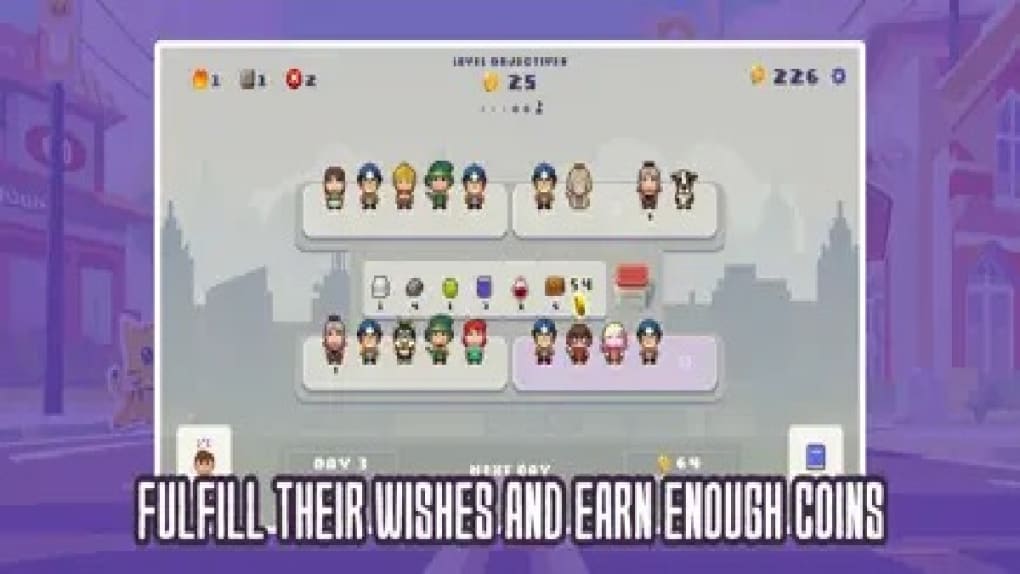
The user interface of Lucky Mayor is designed with simplicity and clarity in mind, featuring a clean layout that organizes city elements and action buttons within easy reach. Navigation is straightforward, with menus accessible through a central dashboard that displays key metrics such as population, income, and resource levels. The workflow follows a logical sequence: gather resources → upgrade buildings → expand infrastructure → manage citizens.
This structure supports a smooth progression path for new users. The game uses a tap-based interaction model, which enhances accessibility and reduces the learning curve. Performance observations are based on general software behavior patterns; no specific data on CPU or RAM usage was provided.
The developer did not specify resource usage details, but the 150 MB installation size suggests moderate system demands. Stability appears to be consistent with similar casual games, though no official reports on crashes or bugs were shared. The game does not require high-end hardware, making it suitable for a wide range of devices.
Overall, the workflow is efficient and optimized for short play sessions, aligning with the target audience’s expectations.
Compatibility & System Requirements
Lucky Mayor is compatible with both Windows and Mac operating systems, making it accessible to a broad desktop user base. The software version is listed as 1.0, indicating a stable initial release. The installation size is 150 MB, which is relatively lightweight for a desktop application.
The developer did not specify exact system requirements, including minimum processor speed, RAM, or graphics capabilities. Compatibility information was partially provided, leaving users without clear guidance on hardware specifications. The developer did not provide additional system requirements.
Users should ensure their device supports standard desktop applications and has sufficient storage space for the 150 MB file. No known conflicts with specific OS versions were mentioned. For optimal performance, users may need to verify compatibility with their current system configuration, though no formal testing data was shared.
Pros and Cons
Pros
- Free to download and play with no in-app purchases required
- Simple, intuitive interface ideal for casual gamers and beginners
- Lightweight installation at just 150 MB
- Accessible gameplay through tap-based mechanics
- Engaging city-building simulation for short, relaxing sessions
Cons
- Gameplay relies heavily on repetitive tapping, which may feel monotonous over time
- Limited strategic depth compared to advanced city simulation titles
- Minimal visual detail and simplistic graphics may not appeal to all players
- Exact system requirements were not specified, which could hinder compatibility checks
- Lacks dynamic events or complex management systems
FAQ Section
Is Lucky Mayor available for Windows and Mac?
Yes, Lucky Mayor is compatible with both Windows and Mac operating systems.
Is the game completely free to use?
Yes, Lucky Mayor is free to download and play with no hidden costs or mandatory in-app purchases.
Does Lucky Mayor require an internet connection?
The game does not require a persistent internet connection for core gameplay, though updates and optional features may need online access.
How often are updates released for Lucky Mayor?
Update frequency was not specified by the developer. Users should check for updates through the official platform or installer.
Can I play Lucky Mayor offline?
Yes, the game supports offline play after initial installation, allowing users to manage their city without an active internet connection.
Final Thoughts + CTA
Lucky Mayor delivers a straightforward, accessible city-building experience tailored for casual gamers seeking light entertainment. While the gameplay centers on repetitive tapping and lacks the complexity of deep simulation titles, it excels in simplicity, visual progression, and ease of use. The game’s strengths lie in its lightweight design, free access, and intuitive interface, making it ideal for short breaks or relaxation.
However, players seeking strategic depth, advanced mechanics, or visually rich environments may find it underwhelming. For those who enjoy managing a city in a low-pressure setting, Lucky Mayor offers a functional and enjoyable experience. The combination of accessible gameplay and broad OS compatibility enhances its appeal.
If you’re looking for a casual way to explore urban leadership, this simulation tool provides a solid starting point. Download Lucky Mayor now.







